 SuperChurch
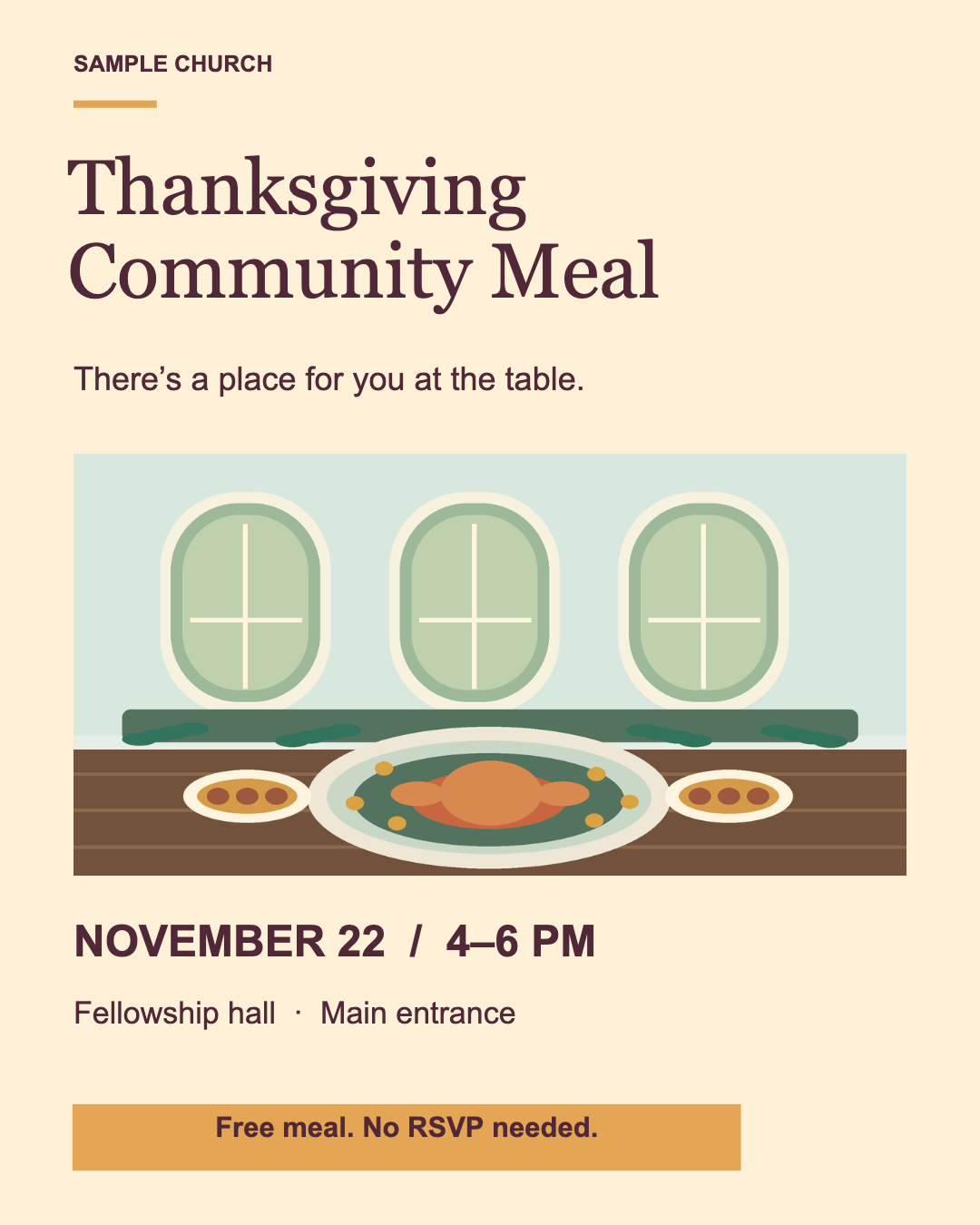
Thanksgiving Community Meal
A shared-table invitation with serving hours, entrance directions and walk-in details.
Free editable templates
Choose a community meal invitation or a food drive flyer. Both were made in Flyer Studio and are ready to edit or print.
A shared-table invitation with serving hours, entrance directions and walk-in details.
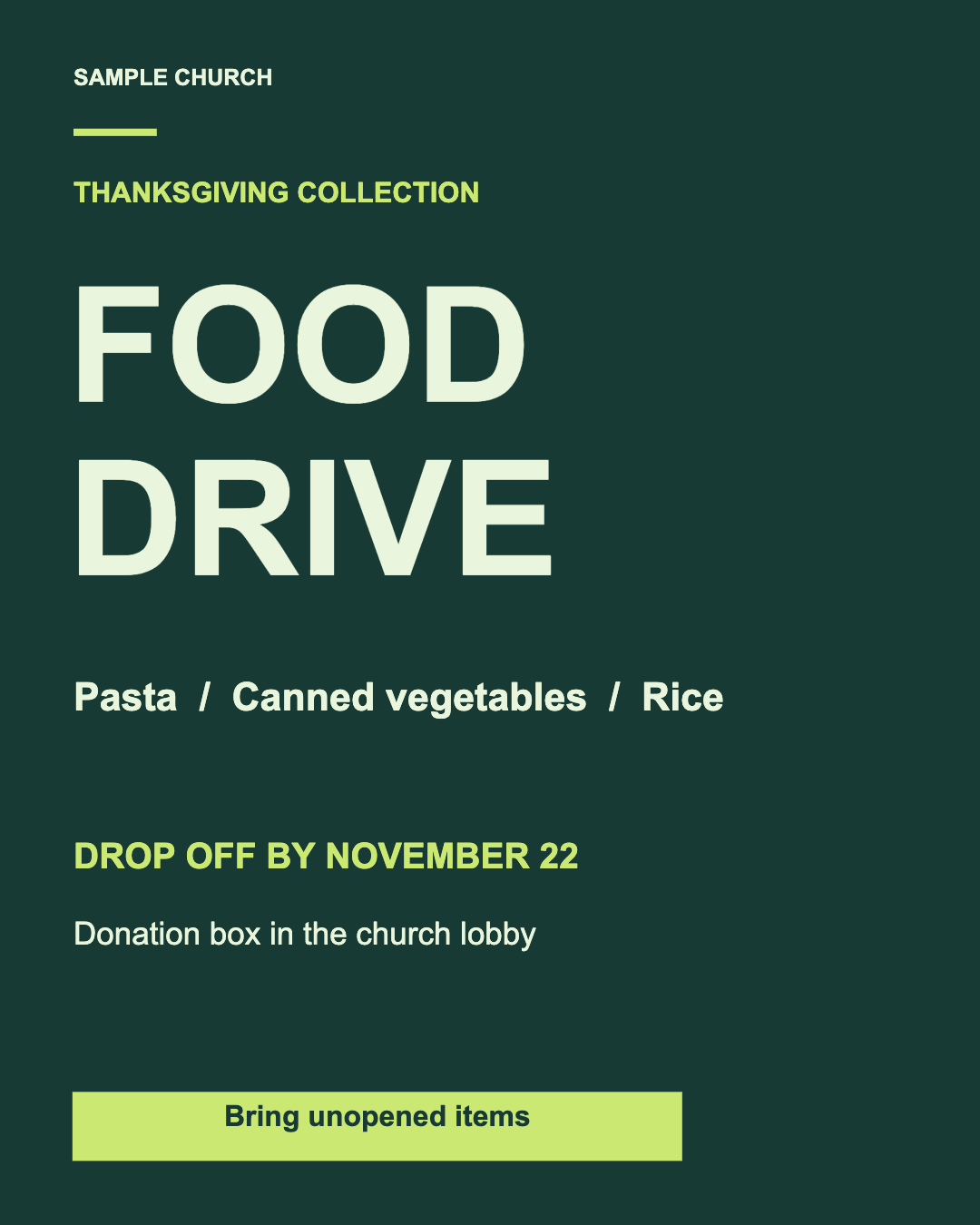
A high-contrast collection flyer with a short donation list and a clear drop-off deadline.
Updated November 8, 2026 · Examples use sample church details
“Join us for Thanksgiving” is warm, but it leaves a visitor with the questions that decide whether they can actually attend. Put the date, start and end time, address or clear venue name, cost, RSVP instructions and a contact method where they can be read at a glance. Include the time zone if people may see the post outside your town.
Say what the church is offering only after it is confirmed. If the meal is free, say so. If guests should reserve a place, include a deadline and a working phone number or link. If the event is a food drive rather than a meal, name the requested items and where they should be dropped off.
Do not promise allergy-safe meals, transportation, child care or a particular quantity of food unless the organizers have confirmed it. Never put a member’s private phone number, home address or other personal information on a public flyer.
Join us on [day, date] from [start time] to [end time] at [venue and street address]. [State whether the meal is free and whether guests should RSVP.] To volunteer or ask a question, contact [public church contact]. Everyone [who is welcome] is welcome.
Replace every bracketed item before exporting. If a detail is still unknown, leave it off until someone can confirm it rather than publishing a guess.
For an event connected to an existing church account, use the church’s approved event and Flyer Studio workflow in the iPhone app. The free browser editor is a standalone starting point; it does not know which church or event you mean.
Original SuperChurch artwork, free to adapt and use in church flyers, websites, email and social posts. No photo credit is required. The illustration is not a photograph of a real event.