 SuperChurch
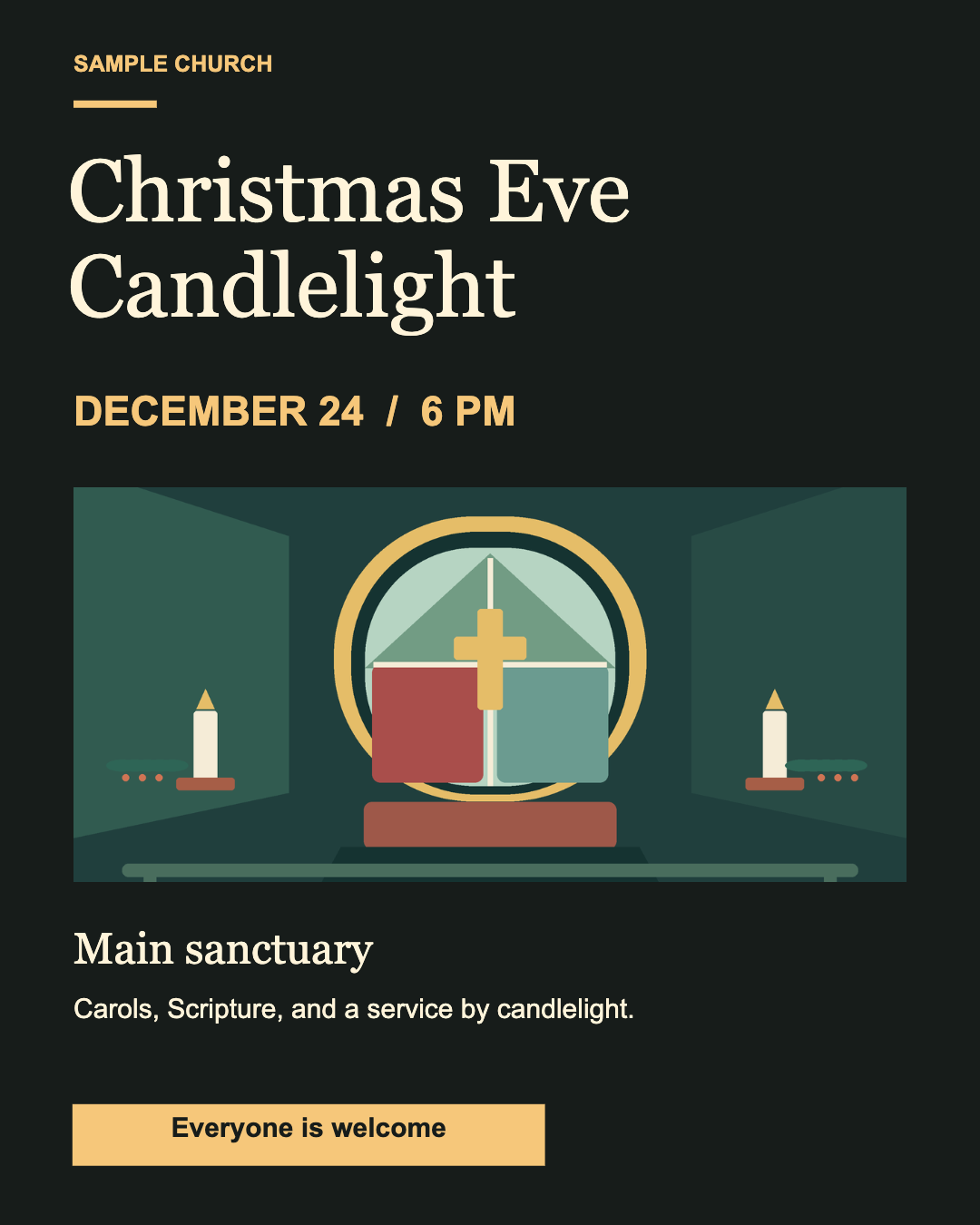
Christmas Eve Candlelight
A warm, candlelit invitation with the service time front and center.
Free editable templates
Start with a candlelight invitation or a family service flyer. Both were made in Flyer Studio and are ready to edit or print.
A warm, candlelit invitation with the service time front and center.
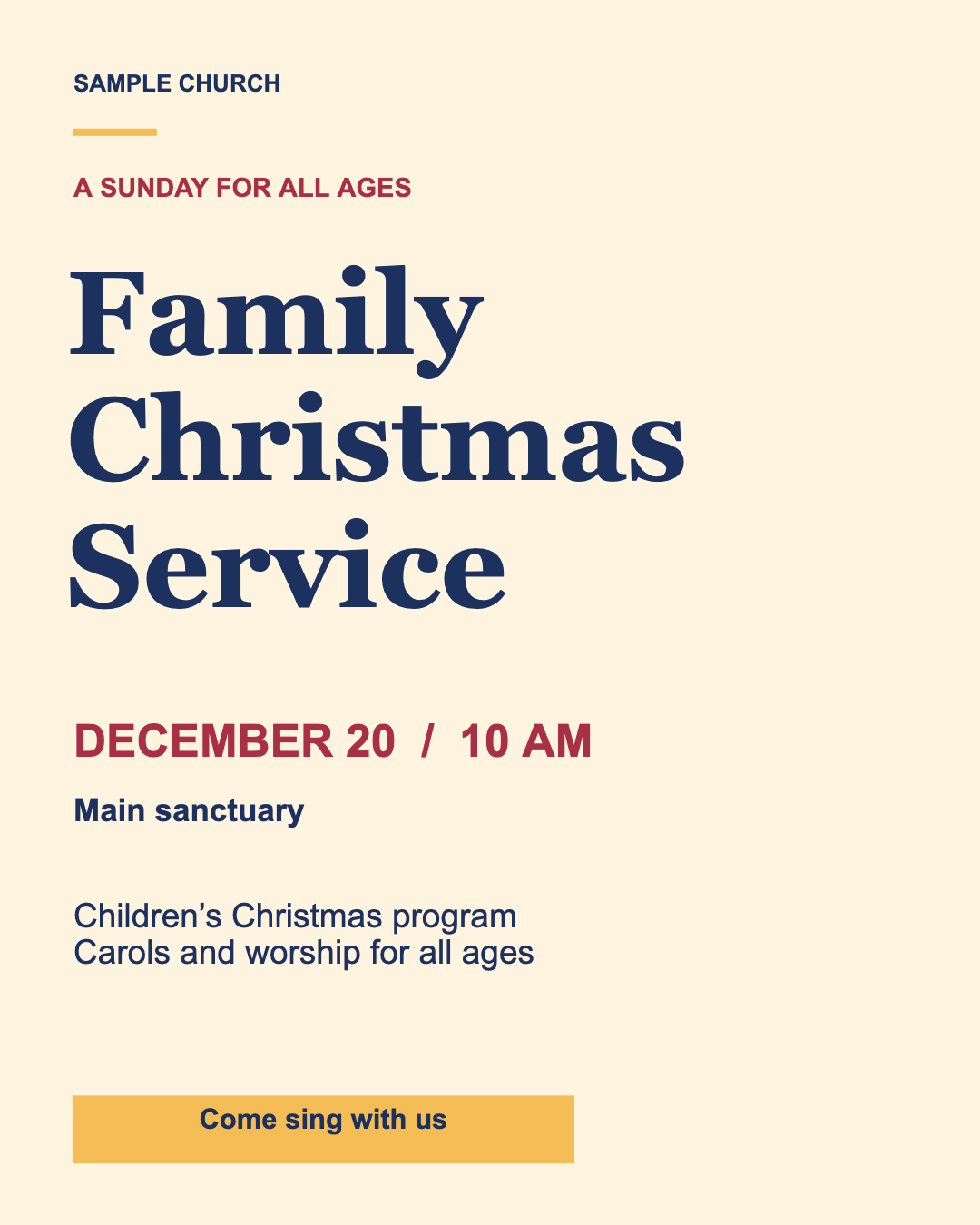
A type-led design with space for the children’s program and service details.
Updated November 8, 2026 · Examples use sample church details
Christmas services can have different start times, formats and capacity. Name the gathering in plain language—Christmas Eve candlelight, Christmas morning worship, a children’s pageant or another service—and give the date and local start time. If the same invitation covers several services, list each time clearly rather than making visitors guess.
Use the church’s actual public address and mention a recognizable entrance if the building is large. Tell visitors where to park only after checking that those spaces are available to guests. If seating is limited or a reservation is required, say how to reserve a place.
Do not call a service “livestreamed” until the platform, start time and public link have been tested. Do not promise child care or accessibility features that are not staffed or available for that service.
Gather with us on [day, date] at [time and time zone] at [venue and street address]. [Add confirmed family, parking and access information.] [State whether visitors need to RSVP.] For current details, visit [public event link] or contact [public church contact].
Keep the flyer short. Put the essential date and location in the image, then let the event page carry longer directions or schedule details.
For church-linked event data and permission-aware sharing, open the church app and use the event tools available to your role.
Original SuperChurch artwork, free to adapt and use in church flyers, websites, email and social posts. No photo credit is required. The illustration is not a photograph of a real service.